About the Project
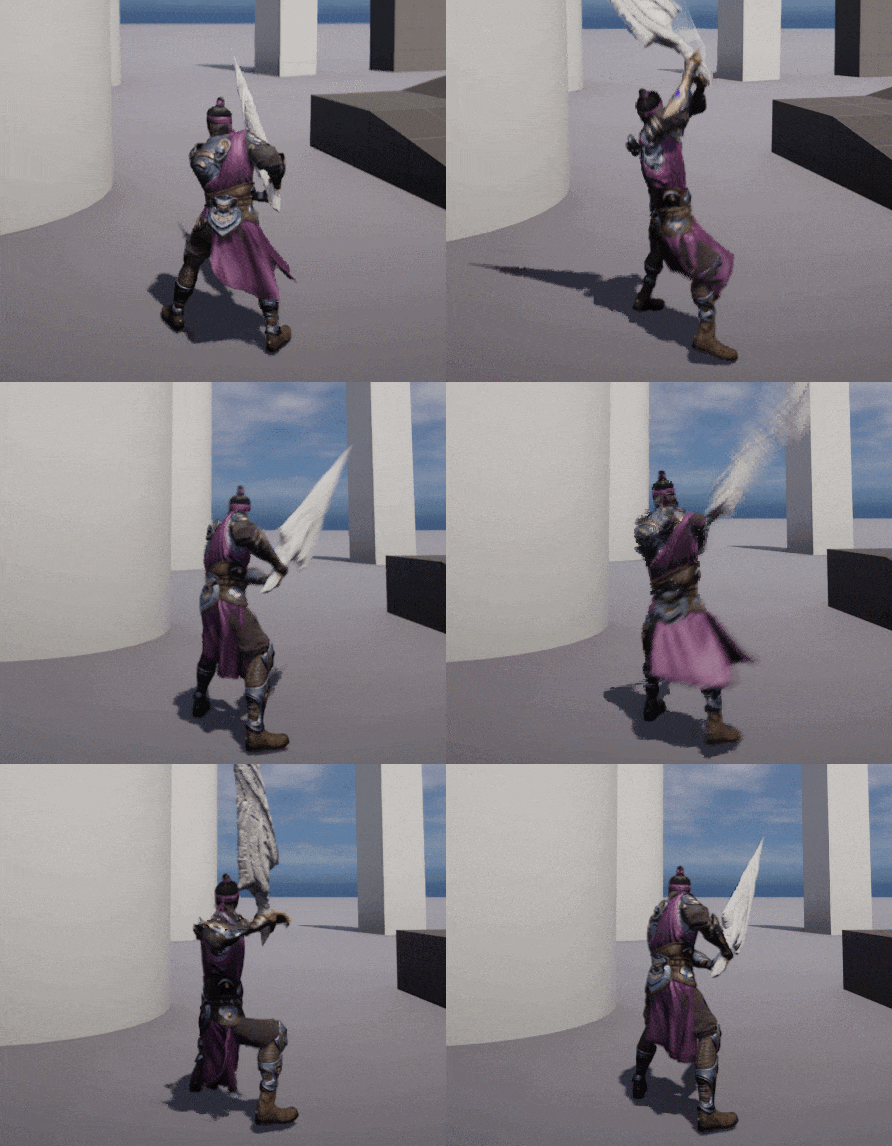
EBBEN RING is a 3D action-RPG inspired by Soulsborne titles, built in UE5 with AngelScript. Developed solo at Yrgo over 7 weeks for educational purposes, it features challenging combat, immersive animations, and strategic gameplay. A key hurdle was ensuring animation smoothness— I responded by crafting custom sequences and rich visual effects to bolster game feel.
Core Features
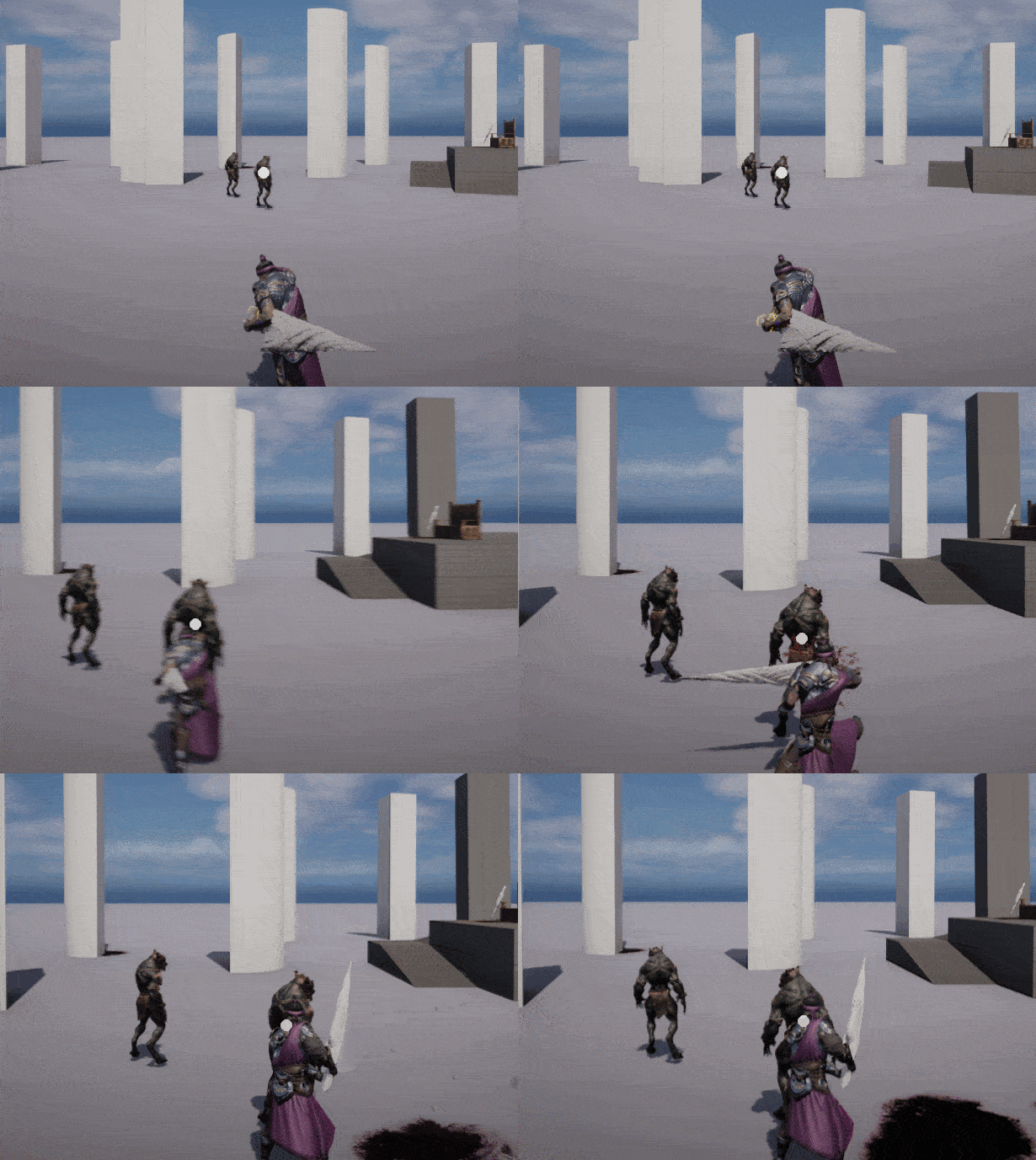
The combat system emphasizes precise timing and strategy through: Responsive attacks, dynamic combo chains that reward skilled inputs, balanced damage mechanics for both player and enemies, and unique abilities that diversify combat tactics.
Player Mechanics
Implemented entirely in AngelScript with a lightweight, modular design. Key elements include attacking & damage dealing, stagger & recovery windows, a fluid combo system, special abilities, directional rolls with input buffering, and a finite-state machine (FSM) for clean animation transitions.
FSM Player State Controller
To prevent animation cancels from desynchronizing combat, I built an FSM that broadcasts exit and entry events, ensuring controlled transitions.
Show FSM Controller Code
event void FStateEnterDelegate(EPlayerStates NewState);
event void FStateExitDelegate(EPlayerStates NewState);

class UPlayerStateManager: UActorComponent {
    UPROPERTY() EPlayerStates CurrentState = EPlayerStates::Idle;
    UPROPERTY() EPlayerStates PreviousState = EPlayerStates::Idle;
    UPROPERTY() FStateEnterDelegate OnEnterState;
    UPROPERTY() FStateExitDelegate OnExitState;

    UFUNCTION(BlueprintOverride)
    void BeginPlay() {
        // Initialize owner reference …
    }

    UFUNCTION()
    bool RequestStateChange(EPlayerStates NewState) {
        if (CanTransition(NewState)) {
            OnStateExit(CurrentState);
            PreviousState = CurrentState;
            CurrentState  = NewState;
            OnStateEnter(CurrentState);
            return true;
        }
        return false;
    }

    // … additional transition logic …
}
Directional Roll
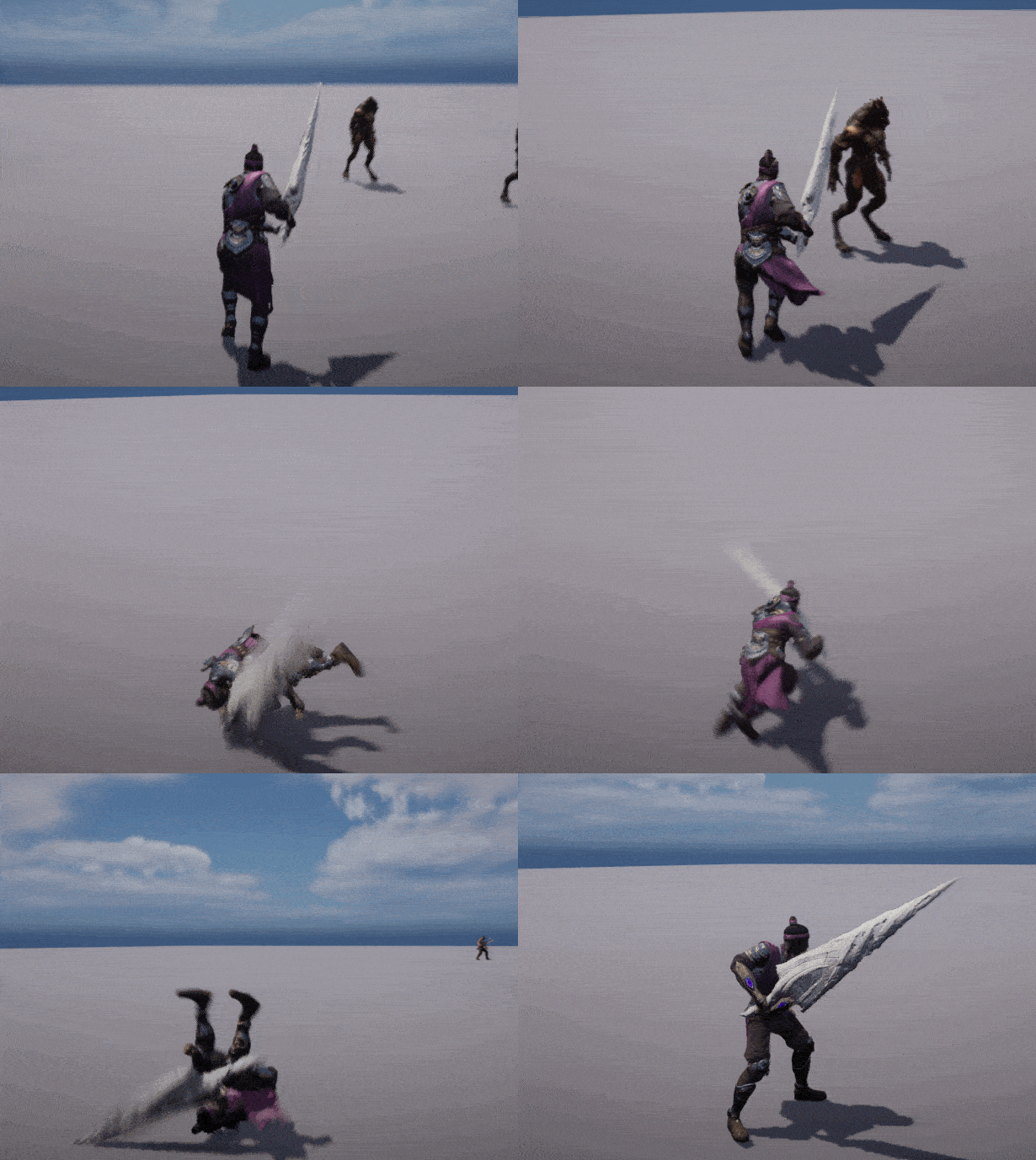
Valid rolls only occur with directional input; otherwise the player performs a brief invincible hop-back. The script calculates ideal roll vectors to help dodge incoming attacks.
Show Roll Component Code
event void FOnRollUpdated(float Cost);

class URollComponent: UActorComponent {
    UPROPERTY() UAnimMontage RollAnim;
    UPROPERTY() UAnimMontage HopBackAnim;
    // … properties …

    UFUNCTION()
    void UpdateRoll(bool bHasDirection = false) {
        if (!Player.HasEnoughStamina(StaminaCost)) return;
        Player.TraceComponent.bInvincible = true;
        if (bHasDirection)
            Player.PlayAnimMontage(RollAnim);
        else
            Player.PlayAnimMontage(HopBackAnim);
        OnRoll.Broadcast(StaminaCost);
    }

    FVector CalculateRollDirection() {
        FVector Input = Player.GetLastMovementInputVector().GetSafeNormal();
        return Input.IsNearlyZero() ? -Player.ActorForwardVector : Input;
    }
}
Lock-On System
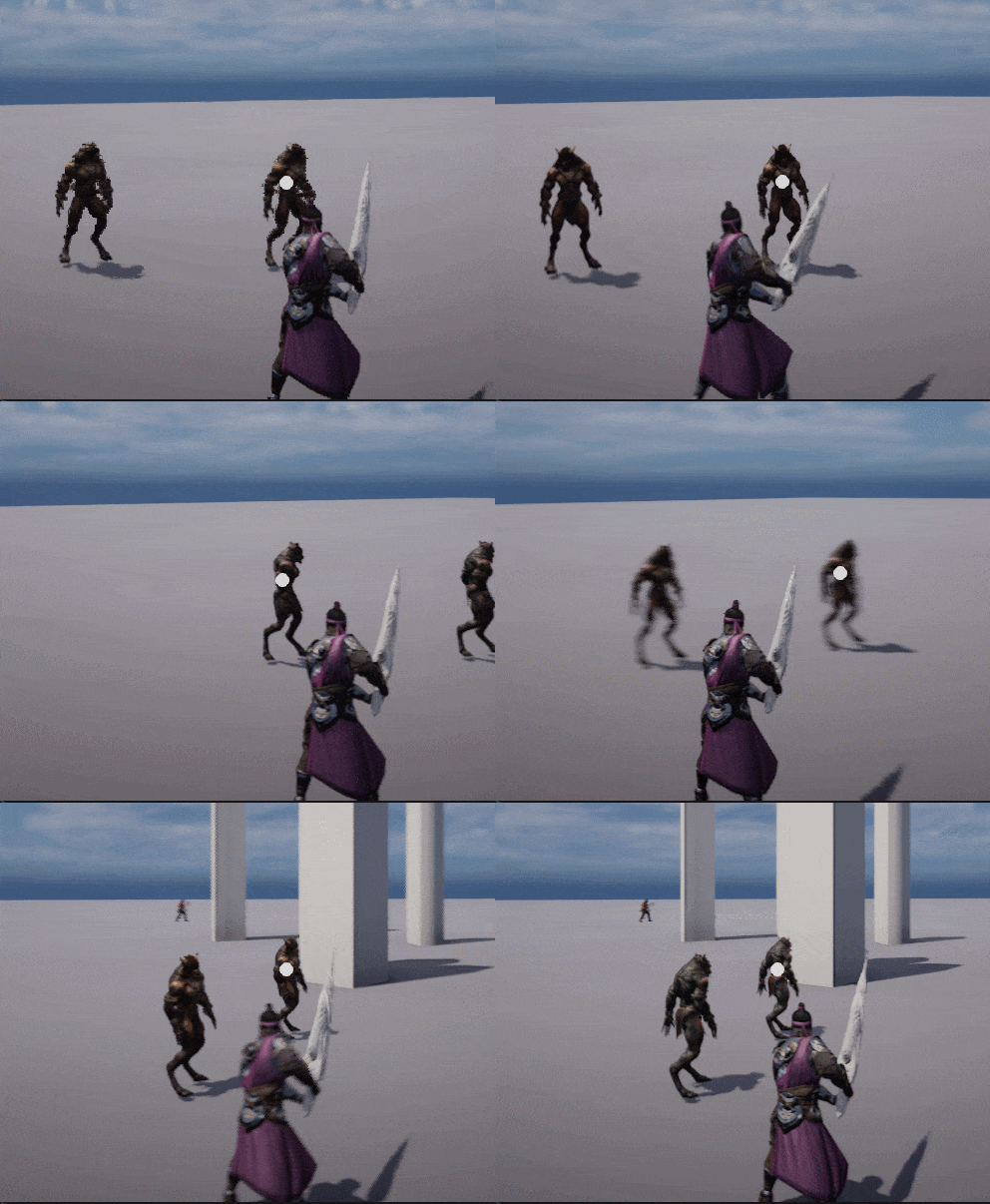
Allows targeting a single enemy and toggling smoothly among nearby foes. The camera’s position and rotation are interpolated to lock onto the current target.
Show Lock-On Component Code
UFUNCTION(BlueprintOverride)
void Tick(float DeltaSeconds) {
    if (IsValid(CurrentTarget)) {
        FRotator Desired = FindLookAtRotation(PlayerLoc, TargetLoc);
        Controller.SetControlRotation(
            FMath::RInterpTo(Controller.GetControlRotation(), Desired, DeltaSeconds, 5.0f)
        );
    } else {
        EndLockOn();
    }
}

void ToggleLockOn() {
    if (CurrentTarget) EndLockOn();
    else StartLockOnWithTrace();
}